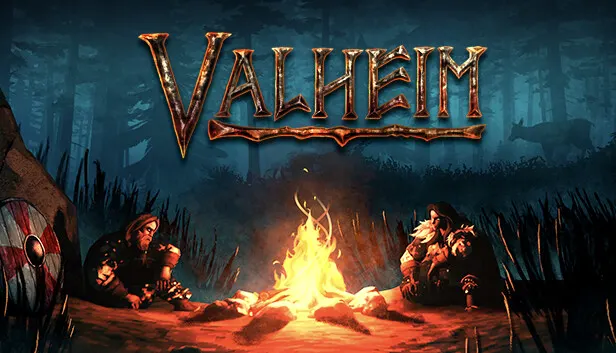

Valheim Server with Mods in One Click
BepInEx is already installed: drop mods in the folder and play


Modding Valheim requires the BepInEx loader. We install BepInExPack and hook it into the server launch automatically. All that is left is to drop your mods into BepInEx/plugins, just like in r2modman.
Three steps
Click "Launch": the order is already filled in
Sign in with Google and pay by card
A couple of minutes later the server is ready, with BepInEx already installed
Plans
 CoalStandard4 GB · 25 GB NVMe€5.49/moLaunch Recommended
 CopperStandard6 GB · 40 GB NVMe€7.49/moLaunch
  TorchPremium4 GB · 30 GB NVMe€7.49/moLaunch
  CompassPremium6 GB · 50 GB NVMe€9.99/moLaunch
  IronStandard8 GB · 50 GB NVMe€10.49/moLaunch
  AnchorPremium8 GB · 70 GB NVMe€12.99/moLaunch
  GoldStandard12 GB · 80 GB NVMe€15.49/moLaunch
  PortalPremium10 GB · 90 GB NVMe€15.99/moLaunch
 Questions
How much does a Valheim server with mods cost?
From €5.49 per month. For modpacks such as Epic Loot, Warfare or Monstrum we recommend 6 GB of memory.
How do I install mods on a Valheim server?
BepInEx is already installed. Download mods from Thunderstore, place the .dll files in the BepInEx/plugins folder using the panel's file manager or SFTP, then restart the server.
Do players need the mods too?
For most mods, yes: players need the same mods in the same versions, usually through r2modman or the Thunderstore Mod Manager. Purely server-side mods do not need to be installed by players.
Can I move my existing world to the server?
Yes: upload your world files (.db and .fwl) to the worlds_local folder and set the world name in the server settings. Step-by-step instructions are in our Valheim world guide.
Does crossplay with Xbox work?
Yes, crossplay is enabled in the server settings. If all your players are on Steam, it is better to turn it off: without crossplay the connection is direct and ping is lower.